WPlace patterner
2025/11/2
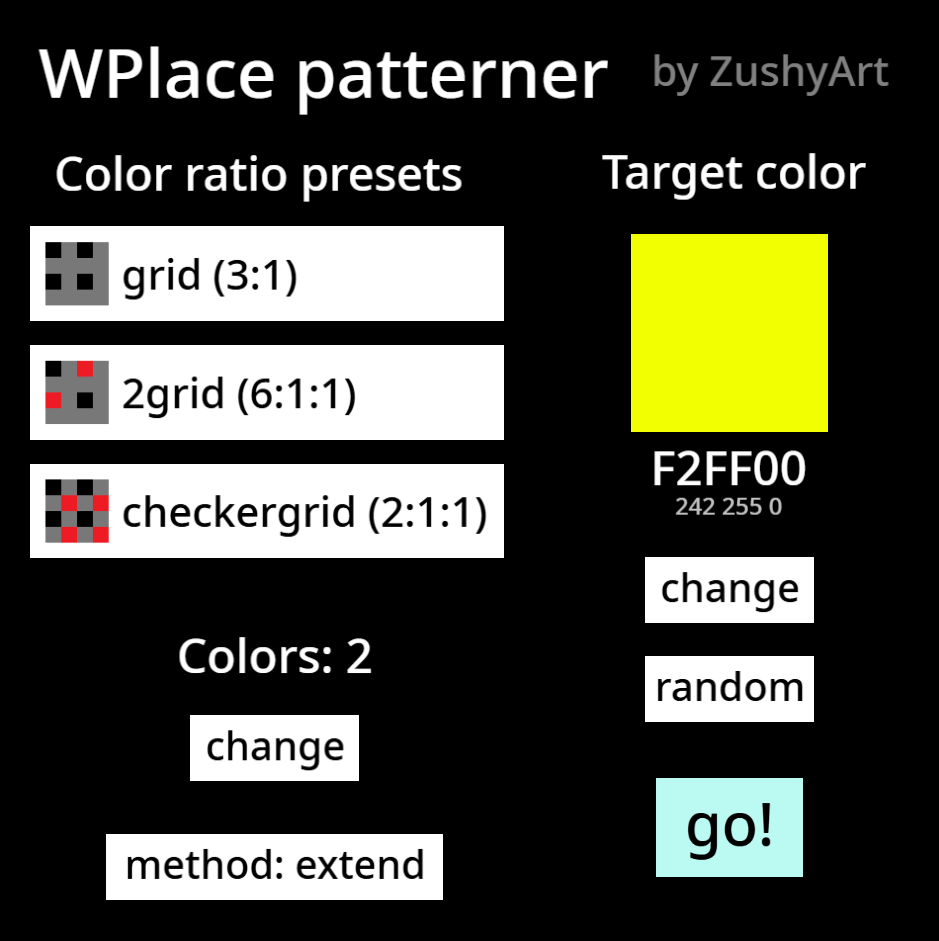
Enter a color hex code and choose a preset pattern if you want to. You can also change the color count and mode.
I made this tool because I wanted to be able to make template images for Blue Marble for WPlace with simple dithering patterns that are easier for others to follow along with, including people who either don't have Blue Marble or are on mobile devices.
I unfortunately still have to do lots of work with clipping layers in FireAlpaca to actually use the patterns generated for each color of an image. If you want tools that do more of the work for the user (but not necessarily patterns like in this project), I recommend this and/or this.
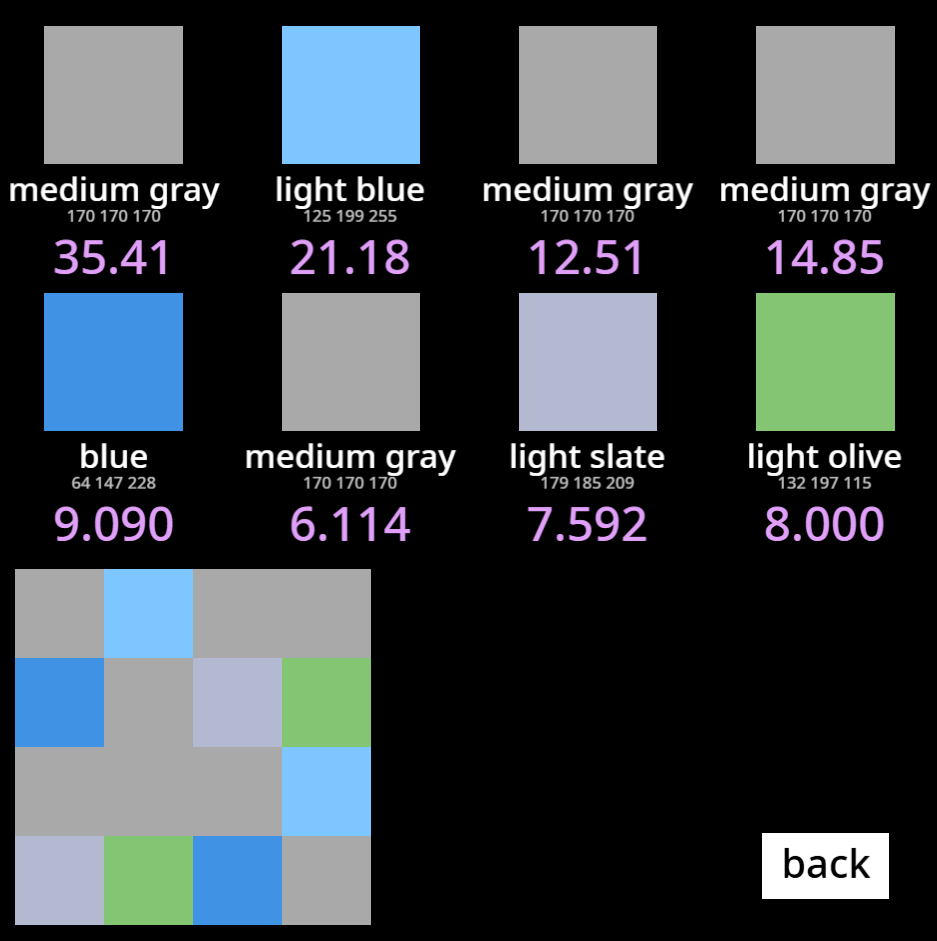
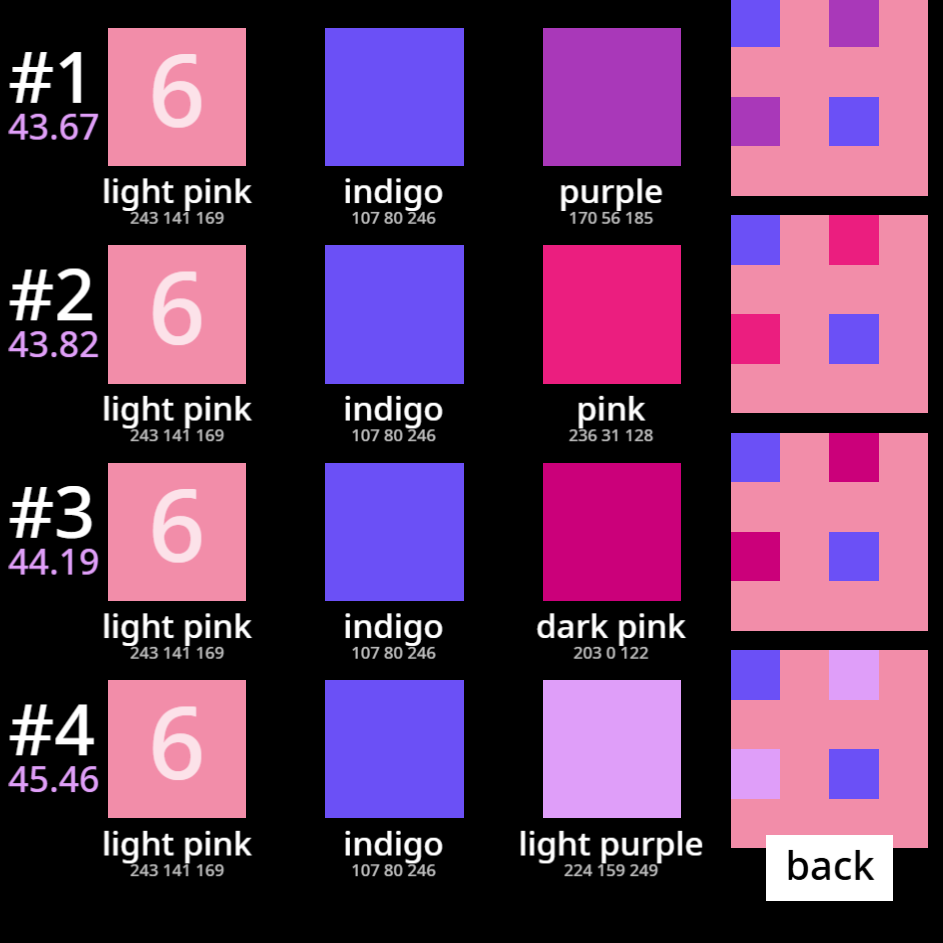
Basically, this tool takes a set of multiple colors of the WPlace palette, averages their RGB values and compares the average color to the target color. Purple numbers tell you the distance between the average and target colors as if they were points in 3D space (It's basically just a measure of how accurately the target color was made).
The extend mode chooses the single closest color to the target, then picks the best color to use as a 2nd one and adds that, then picks the best 3rd color and so on. The combos mode simply checks all possible combinations of the desired color count. It's very slow, so I recommend not using it for more than 2 colors.
Download
Install instructions
Requires Turbowarp (Not Scratch friendly)
Development log
Leave a comment
Log in with itch.io to leave a comment.